
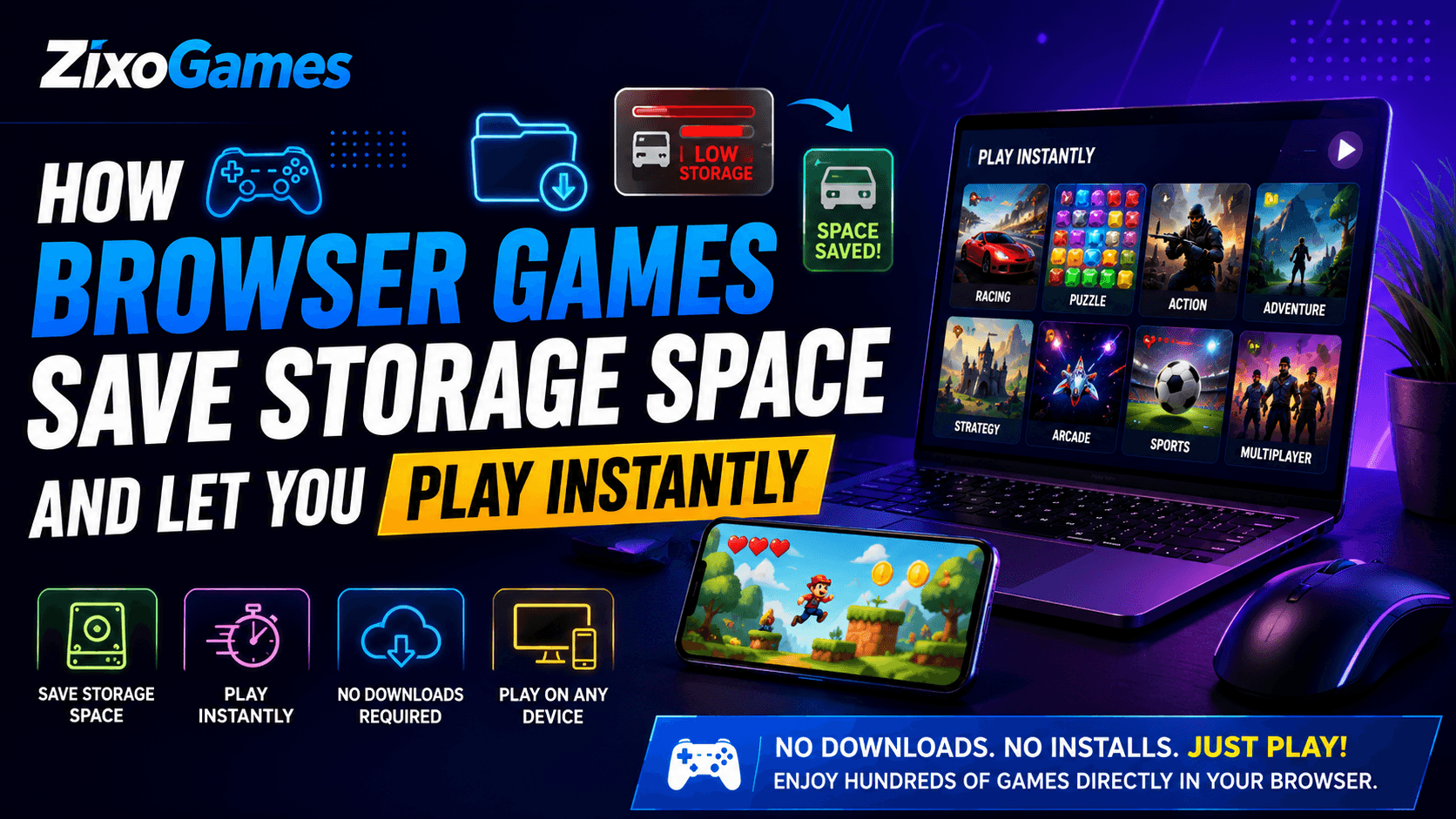
Introduction
Gaming has become a daily activity for millions of people around the world. Whether you're playing on a smartphone, tablet, laptop, or desktop computer, games provide entertainment, relaxation, and even opportunities to connect with friends. However, as games become more advanced, they also become much larger in size. Many modern games require several gigabytes of storage, while some PC and console titles can easily exceed 100GB.
For many users, storage space is a constant challenge. Smartphones fill up with photos and videos, laptops become crowded with work files, and installing new games often means deleting old ones. This is one of the biggest reasons why browser games have become increasingly popular in recent years.
Unlike traditional downloadable games, browser games allow players to start playing instantly without downloading large files or installing software. They provide a convenient gaming experience while helping users save valuable storage space on their devices.
In this article, we'll explore exactly how browser games save storage space, why they are becoming a preferred choice for gamers, and how they offer a fast, accessible, and convenient alternative to traditional gaming.
What Are Browser Games?
Browser games are games that run directly through an internet browser such as Google Chrome, Microsoft Edge, Firefox, Safari, or Opera. Instead of downloading a game from an app store or installing software on your computer, you simply visit a gaming website and start playing.
Modern browser games are powered by technologies such as HTML5, JavaScript, and WebGL. These technologies allow developers to create engaging games with smooth performance, attractive graphics, and responsive controls.
Popular Types of Browser Games
Browser gaming includes a wide variety of genres, including:
Racing Games
Puzzle Games
Adventure Games
Multiplayer Games
Strategy Games
Arcade Games
Action Games
Sports Games
The biggest advantage is that players can access these games instantly without consuming large amounts of storage space.
Why Storage Space Has Become a Major Problem
Technology has improved significantly over the last decade. Games now feature high-definition graphics, realistic animations, advanced physics systems, voice acting, and large open-world environments.
While these improvements create better gaming experiences, they also increase file sizes dramatically.
Many users face problems such as:
Low storage warnings
Slow device performance
Limited space for photos and videos
Difficulty installing updates
Frequent file management issues
A smartphone with 64GB storage may quickly become full after installing only a few large games.
This is where browser gaming offers a practical solution.
How Browser Games Save Storage Space
One of the biggest advantages of browser games is that they eliminate the need for large installations.
Traditional games store massive amounts of data directly on your device. Browser games, on the other hand, load most of their content online whenever you play.
This means you can enjoy gaming without sacrificing valuable storage space.
No Large Downloads Required
Before playing traditional games, users usually need to download files that can range from hundreds of megabytes to several gigabytes.
Browser games eliminate this step entirely.
Instead of downloading game files, players simply access the game through their browser.
Benefits include:
No waiting for downloads
No large storage consumption
Faster access to games
Less device clutter
No Installation Process
Installing a game creates folders, configuration files, cache files, save files, and other data on your device.
Browser games avoid most of these requirements.
You simply:
Open a browser.
Visit the gaming website.
Choose a game.
Start playing instantly.
The simplicity of this process is one of the main reasons browser gaming continues to grow.
Minimal Local Storage Usage
Although browser games may save small amounts of data such as settings or progress information, the storage required is extremely low compared to downloadable games.
In many cases, browser games use only a tiny fraction of the storage required by traditional games.
Browser Games vs Downloadable Games
The differences between browser games and downloadable games become clear when comparing their storage requirements.
Feature | Browser Games | Downloadable Games |
|---|---|---|
Installation | Not Required | Required |
Storage Usage | Very Low | High |
Updates | Automatic | Manual |
Startup Time | Instant | Slower |
Device Compatibility | High | Limited |
Maintenance | Low | High |
For users who value convenience and storage efficiency, browser games offer significant advantages.
Why Browser Games Are Perfect for Low-Storage Devices
Not everyone owns a high-end gaming computer or a smartphone with massive storage capacity.
Many people use:
Budget smartphones
Older laptops
Entry-level tablets
Office computers
These devices often struggle with large game installations.
Browser games provide an excellent solution because they allow users to enjoy gaming without consuming valuable storage space.
More Space for Important Files
When games don't occupy large amounts of storage, users have more room for:
Photos
Videos
Documents
School projects
Work-related files
This flexibility makes browser gaming particularly useful for students and professionals.
Better Device Performance
Devices generally perform better when they have sufficient free storage available.
By reducing the need for large installations, browser games help maintain smoother system performance.
The Role of HTML5 in Modern Browser Gaming
The growth of browser gaming has been largely driven by HTML5 technology.
Years ago, browser games were relatively simple and limited. Today's HTML5 games can provide impressive graphics, smooth animations, and engaging gameplay experiences.
Benefits of HTML5 Browser Games
Faster loading times
Better graphics
Cross-platform support
Mobile compatibility
Improved performance
No additional plugins required
Thanks to HTML5, browser games are now capable of delivering experiences that rival many downloadable games.
Browser Games Help Reduce Digital Clutter
Every installed application creates additional files on your device.
Over time, these files accumulate and create digital clutter.
Examples include:
Temporary files
Save files
Update packages
Configuration files
Cache data
Browser games reduce clutter because most game data remains online rather than being stored locally.
A cleaner device often results in:
Easier maintenance
Better organization
Improved performance
Faster file management
Play Instantly Without Waiting
One of the most frustrating aspects of downloadable gaming is waiting.
Players often spend time waiting for:
Downloads
Installations
Updates
Patches
Some games require hours before they are ready to play.
Browser games eliminate these delays.
Simply open your browser, visit a gaming website, and start playing immediately.
This convenience is one of the biggest reasons browser gaming continues to attract new players.
Automatic Updates Without Using Extra Storage
Traditional games frequently receive updates.
These updates often consume:
Additional storage space
Internet bandwidth
Time
Browser games handle updates differently.
Updates occur on the server side, meaning players automatically access the latest version whenever they launch the game.
Advantages include:
No update downloads
No installation process
No storage concerns
Always playing the latest version
Browser Games Work Across Multiple Devices
Another major advantage of browser gaming is flexibility.
Most browser games can be played on:
Smartphones
Tablets
Laptops
Desktop Computers
Because the game runs through a browser, users don't need separate installations for each device.
This saves both time and storage space.
Players can switch between devices while enjoying a consistent gaming experience.
Why Students Love Browser Games
Students often use devices with limited storage capacity.
They need space for:
Assignments
Educational software
Research documents
Presentations
Installing large games can quickly consume available storage.
Browser games provide entertainment without interfering with academic requirements.
Benefits for Students
No installation required
Quick gaming sessions
Low storage usage
Accessible on school laptops
This makes browser gaming an ideal choice for students.
Why Mobile Users Prefer Browser Games
Smartphone storage fills up quickly.
Photos, videos, social media apps, and messaging platforms already consume large amounts of space.
Adding multiple games can create serious storage issues.
Browser games help solve this problem.
Advantages for Mobile Gamers
No app installation
Lower storage usage
Faster access
Quick gaming sessions
Better convenience
As mobile internet speeds continue to improve, browser gaming is becoming more attractive than ever.
Common Myths About Browser Games
Browser Games Have Poor Graphics
Modern HTML5 games can deliver impressive graphics and smooth gameplay.
Browser Games Are Only for Kids
There are browser games designed for players of all ages.
Browser Games Are Unsafe
Trusted gaming websites provide safe and secure gaming experiences.
Browser Games Are Too Simple
Many browser games feature advanced mechanics, multiplayer modes, and competitive gameplay.
Best Types of Browser Games to Play
Racing Games
Perfect for players who enjoy speed and competition.
Puzzle Games
Excellent for improving problem-solving skills.
Strategy Games
Require planning and tactical thinking.
Action Games
Provide fast-paced and exciting gameplay.
Multiplayer Games
Allow players to compete against friends and players worldwide.
Arcade Games
Simple, entertaining, and ideal for short gaming sessions.
The Future of Browser Gaming
Browser gaming technology continues to evolve rapidly.
Future improvements may include:
Better graphics
Faster performance
Enhanced multiplayer features
Cloud gaming integration
AI-powered gaming experiences
As internet infrastructure improves worldwide, browser games are expected to become even more powerful and accessible.
Conclusion
Browser games have revolutionized online gaming by providing instant access to entertainment without requiring large downloads or installations. They help users save valuable storage space, reduce device clutter, and enjoy gaming on a wide variety of devices.
Whether you're a student, professional, casual gamer, or mobile user, browser games offer a practical and convenient solution. With minimal storage requirements, automatic updates, cross-device compatibility, and instant gameplay, it's easy to understand why millions of players continue to choose browser games every day.
As gaming technology continues to evolve, browser games are likely to become an even more important part of the gaming industry. For anyone looking to enjoy fun, accessible, and storage-friendly gaming experiences, browser games remain one of the best choices available today.
Frequently Asked Questions
Do browser games take up storage space?
Browser games use very little storage because they run directly through a web browser and do not require full installation.
Are browser games free to play?
Many browser games are completely free, although some may offer optional premium features.
Can browser games run on mobile devices?
Yes. Most modern browser games are fully compatible with smartphones and tablets.
Are browser games better than downloadable games?
Browser games are ideal for users who want instant access and lower storage usage, while downloadable games may provide larger and more complex experiences.
What technology powers modern browser games?
Most modern browser games use HTML5, JavaScript, and WebGL technologies to deliver smooth and interactive gameplay.